
How should you choose laptops within Rs 100,000?
For study and office work, start with the applications you need, then compare memory, SSD storage, keyboard, display and practical battery life. A processor badge without an exact model and condition tells you little. Use Rs 100,000 as a spending limit, not evidence that a particular model or configuration is available at that price.
What should you compare?
| Priority | Evidence to ask for |
|---|---|
| Memory and storage | Consider 8GB or more RAM and an SSD for everyday multitasking; 16GB may suit heavier use. Check upgrade options for the exact model. |
| Battery and mobility | Ask for a recent battery report and an unplugged demonstration at comparable brightness. |
| Operating system | Check official Windows compatibility. An installed copy does not establish that an older processor meets current requirements. |
How do you compare prices fairly?
Compare current seller asking prices for the same model, specifications and condition. A broad name such as “Core i7” or “Pro” covers different generations and configurations. Do not treat retail prices for a new device, an old advertisement or a percentage discount as a measured used-market price.
The active listing sample below states its observation time and sample size. It is not a completed-sale dataset or a market average. Confirm availability and the exact device before ordering; no named model is promised to fit the budget.
What checks matter before paying?
Use Microsoft’s system requirements to check Windows compatibility, and compare full-charge capacity with design capacity using a recent battery report. Test the screen, keyboard, hinges, ports and unplugged operation. Follow the linked manufacturer or software documentation for the exact model.
Yaqeen checks payment before the seller ships. Inspect the item within 72 hours of delivery and confirm receipt or raise a dispute. Funds are released following buyer confirmation or an inspection-window review, subject to the published terms. Dispute outcomes depend on evidence; they are not guaranteed refunds. Identity verification does not certify a device.
How much should you reserve for other costs?
The device price is only part of your spend. Include delivery, any necessary repairs or accessories, and the buyer protection fee described in the current terms. Ask for a repair quote instead of assuming an inexpensive fix.
Use the current laptops price filter to compare actual listings. Read the laptop battery checklist before choosing.
Sources & further checks
Reviewed 2026-10-24. Official requirements can change.
Put the checks to work
Laptops under Rs 100,000
A sample of 3 active listings, checked . These are seller asking prices, not completed-sale prices or a market average.
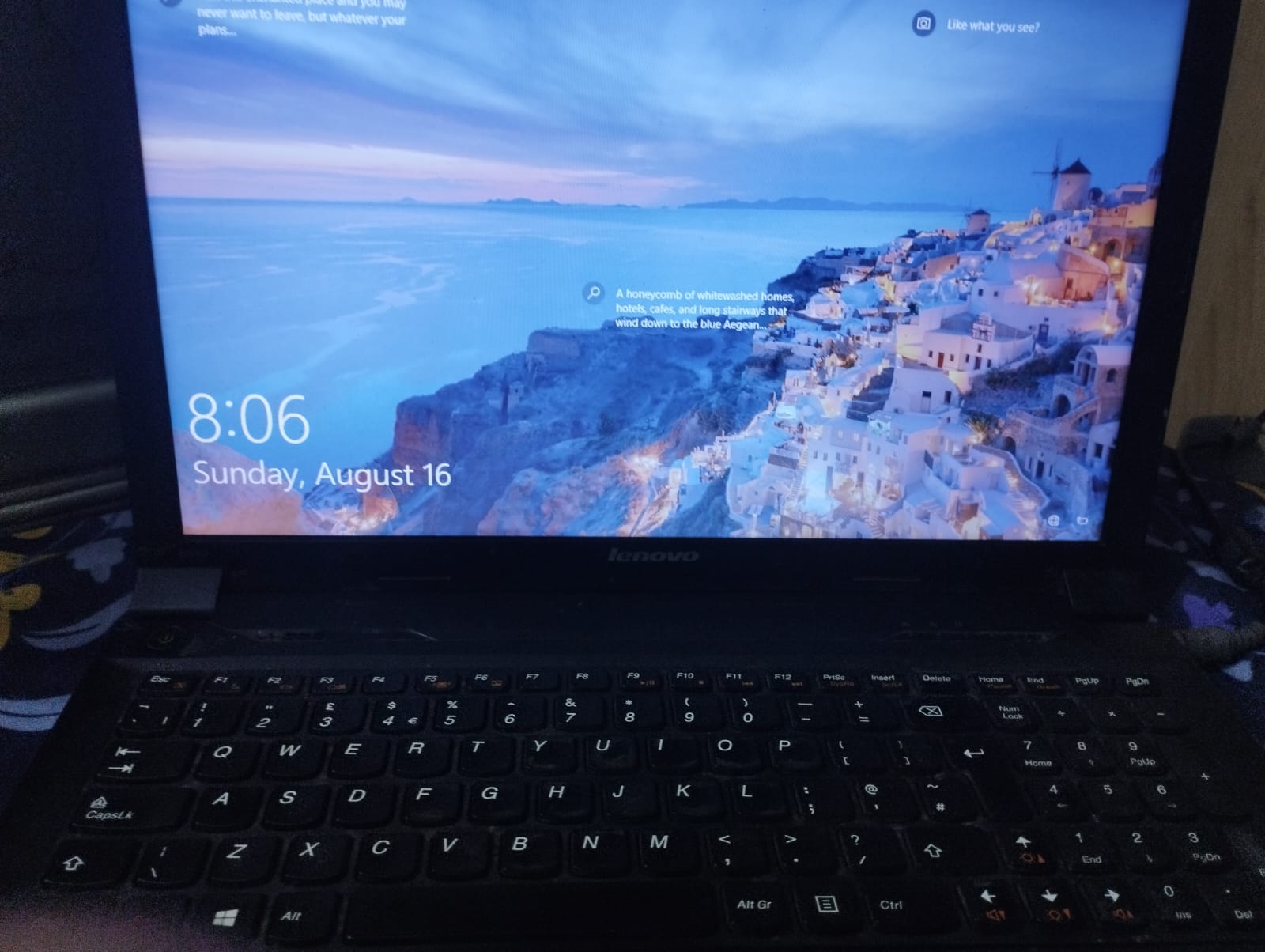
Lenovo ThinkPad B590 i3 2nd gen -- 8GB RAM/500 HDD | BUSINESS LAPTOP 512GB SSD
Lahore
Rs 19,500
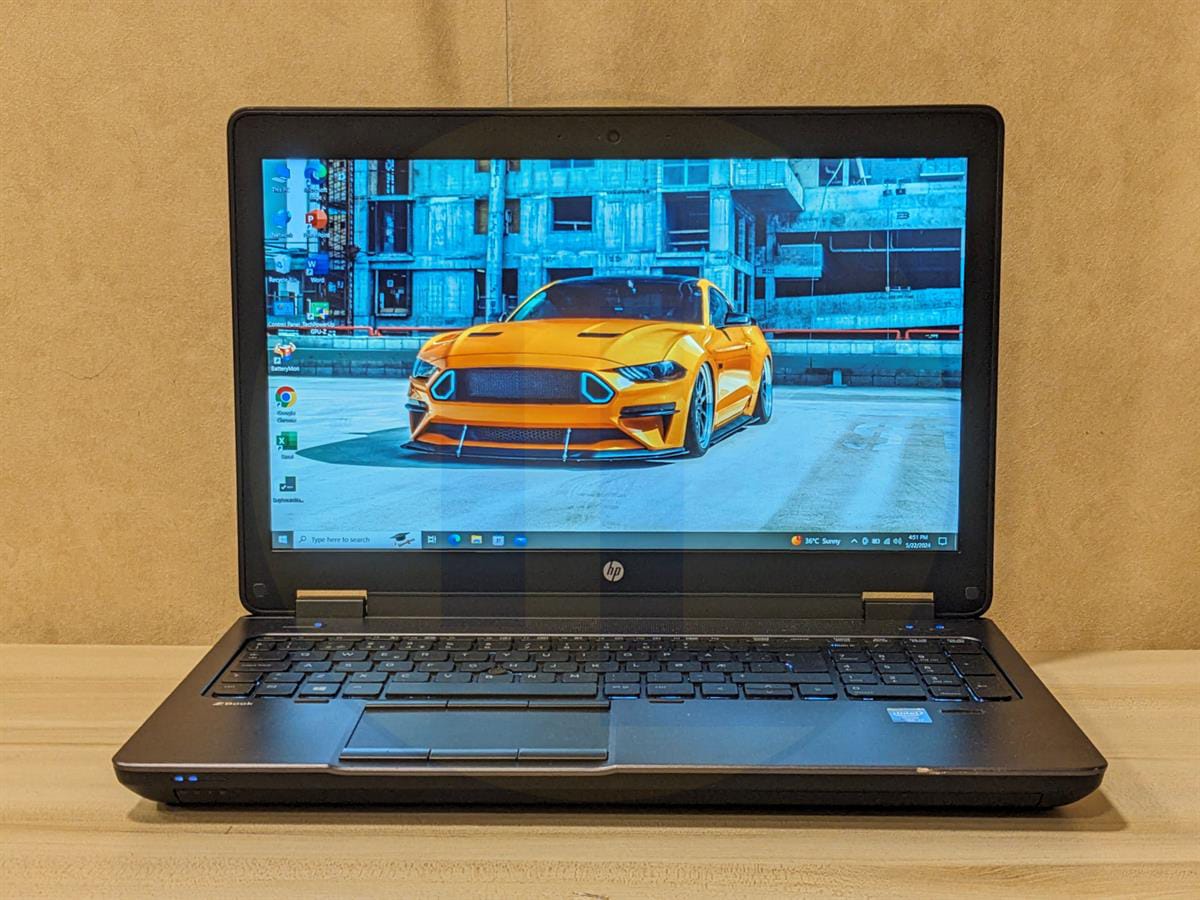
HP ZBook 15 G1 8GB, 128GB SSD, 2GB NVIDIA Quadro GPU, 3+ battery on video, with original HP charger.
Peshawar
Rs 37,000
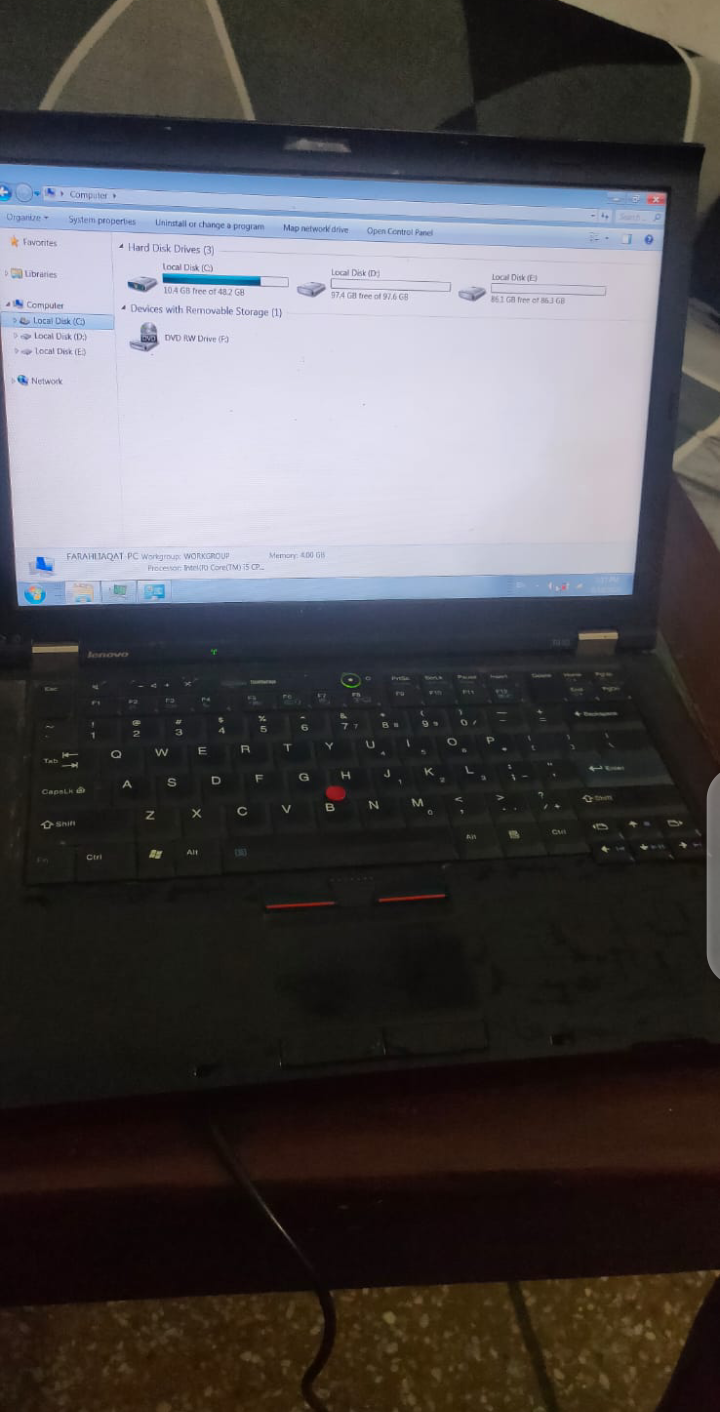
Lenovo Thinkpad T410 1st gen 256GB SSD
Lahore
Rs 17,000
Suggestions refresh periodically. Availability, specifications and final price must be confirmed on the listing.
See matching laptops →Frequently Asked Questions
Does this guide promise a specific model below Rs 100,000?
No. Compare the exact configuration, seller asking price, condition and availability in the live catalogue. A guide budget is a spending limit, not a current price survey.
Are the listing prices completed-sale prices?
No. They are seller asking prices from a limited active listing sample. Prices and availability can change between refreshes.
What happens if the delivered item does not match the listing?
Yaqeen checks payment before the seller ships. Inspect the item within 72 hours of delivery and confirm receipt or raise a dispute. Funds are released following buyer confirmation or an inspection-window review, subject to the published terms. Dispute outcomes depend on evidence; they are not guaranteed refunds.
Ready to buy safely?
Compare the actual device, check the seller's identity badge and read the payment and inspection terms.
Laptops under Rs 100,000