
How do you check a used laptop battery?
Use a battery report, then test the laptop unplugged doing the work you actually need. A seller's “three-hour battery” claim does not tell you the screen brightness, workload, battery condition or settings behind that estimate.
Generate a Windows battery report
Microsoft documents the built-in powercfg /batteryreport command. Open Command Prompt as administrator on the seller's Windows laptop, run the command and open the HTML file at the location it prints. Review the installed battery, recent usage and capacity information. A report from a different laptop is not evidence for the one being sold.
Understand capacity without confusing it with charge
Design capacity is the battery's original specified capacity. Full-charge capacity is its reported current capacity. Both must use the same unit for this comparison:
Capacity remaining (%) = full-charge capacity ÷ design capacity × 100
For example, 32,000 mWh divided by 40,000 mWh gives 80%. This is a capacity estimate, not a promise of 80% of the laptop's original running time. “100% charged” means the battery is full at its present capacity; it does not mean the battery is new.
Run a practical unplugged check
- Ask the seller to show the laptop charging and record the starting charge.
- Unplug the charger and open the apps you intend to use. Keep brightness and power settings consistent.
- Watch for sudden percentage drops, shutdowns or charging interruptions. A short test can reveal a fault, but cannot establish hours of endurance.
- Check the screen, hinges, keyboard and ports while testing. Battery life is only one part of a usable laptop.
- Ask whether the battery has been replaced and get a replacement quote for the exact model if endurance is important.
Should a low battery percentage rule out a laptop?
There is no single buying threshold that suits everyone. A student travelling between classes may value endurance more than someone using the laptop at a desk. Compare the asking price plus any replacement battery cost with another laptop that meets your needs. A missing report should remain unknown, rather than being presented as good health.
If the battery is visibly swelling or pushing against the enclosure, stop using the device and have it assessed by a qualified repair provider. Do not press or puncture the battery.
Ask for evidence before choosing
Request a recent report for the exact laptop, an unplugged demonstration, the charger's details and a written description of faults. Keep those details with the order. Compare current laptop listings by condition and total cost, and read our student laptop buying guide for the wider specifications checklist.
Sources & further checks
Reviewed 2026-10-21. Official requirements can change.
Put the checks to work
Compare current laptops
A sample of 3 active listings, checked . These are seller asking prices, not completed-sale prices or a market average.
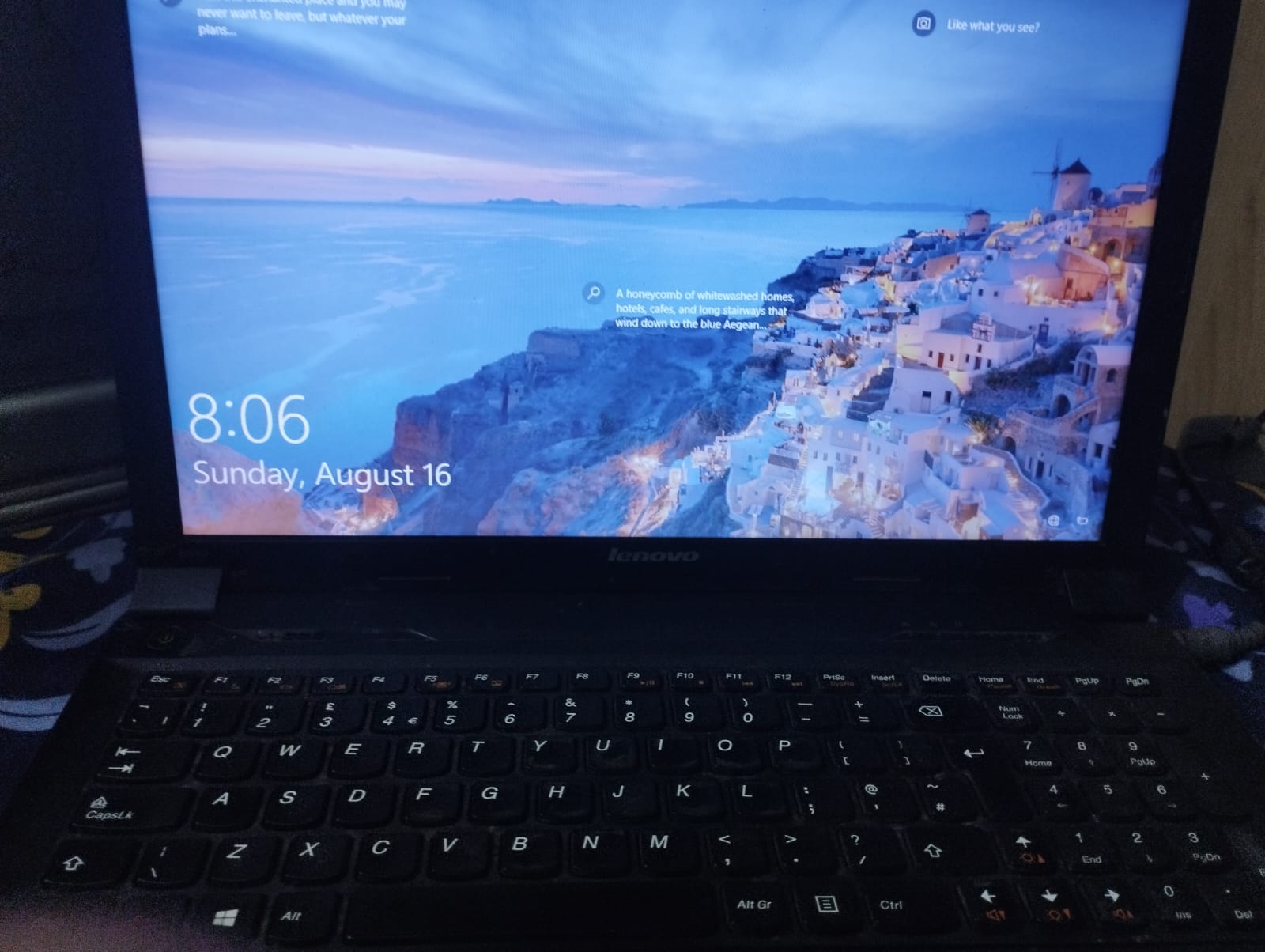
Lenovo ThinkPad B590 i3 2nd gen -- 8GB RAM/500 HDD | BUSINESS LAPTOP 512GB SSD
Lahore
Rs 19,500
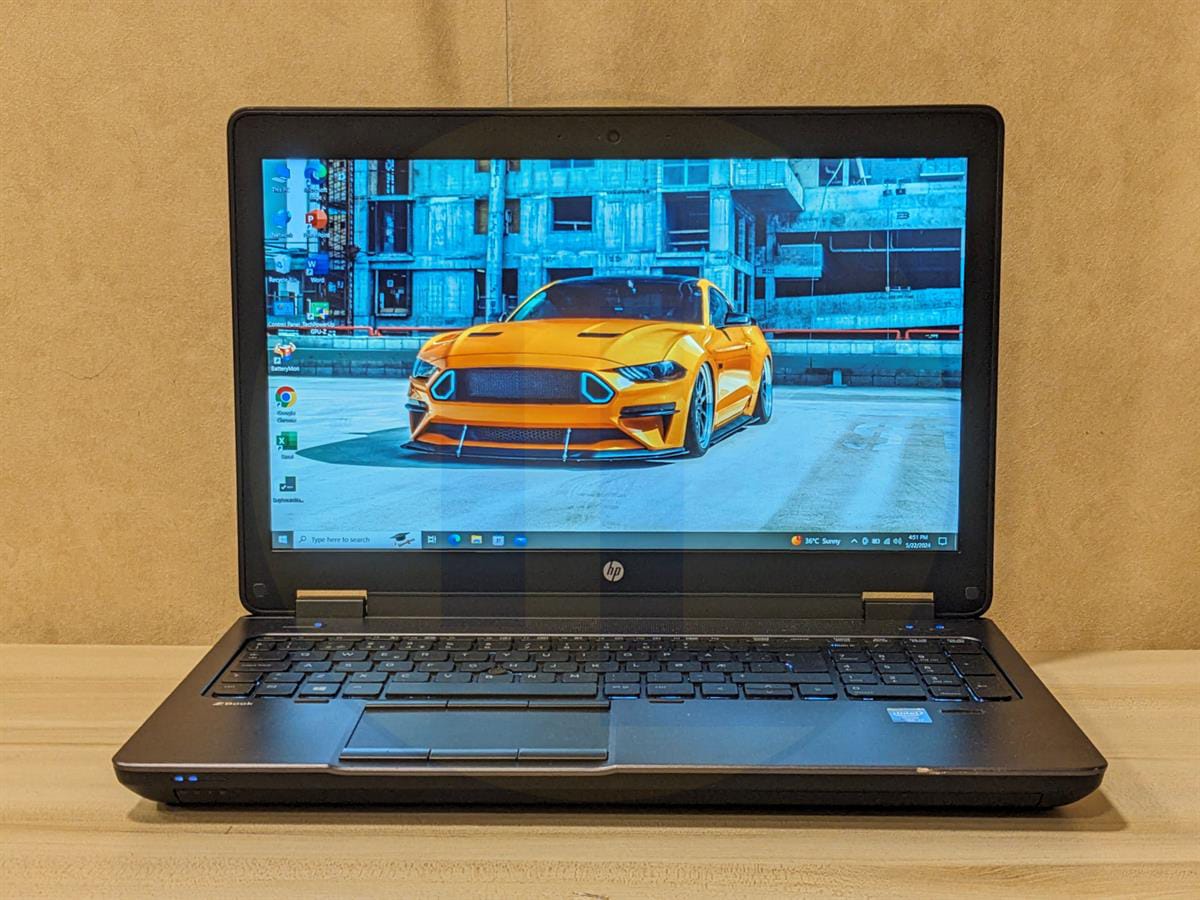
HP ZBook 15 G1 8GB, 128GB SSD, 2GB NVIDIA Quadro GPU, 3+ battery on video, with original HP charger.
Peshawar
Rs 37,000
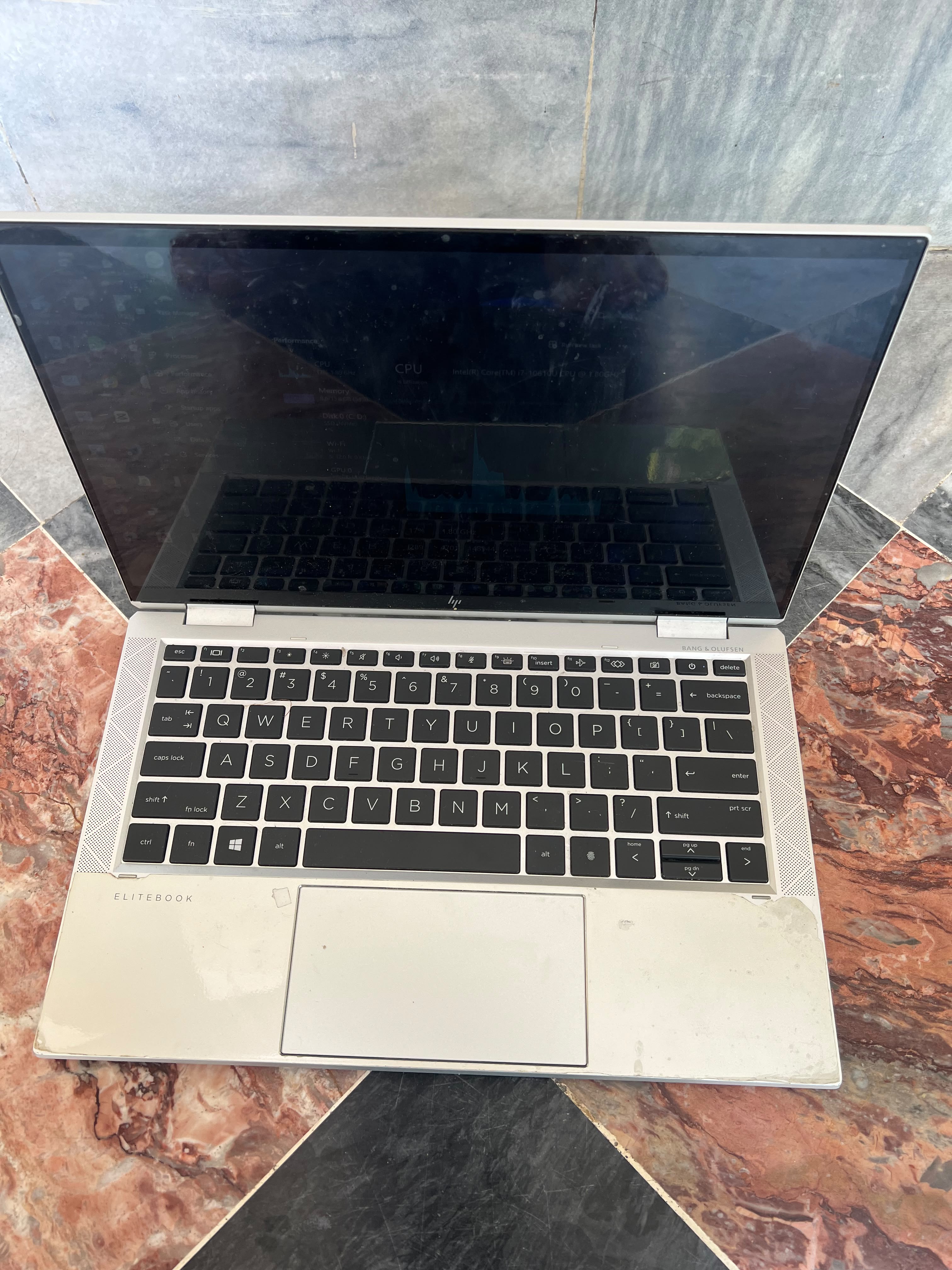
hp elite book 1030 g7 touch x360 i7 10th gen 16 256 256GB SSD
Rawalpindi
Rs 125,000
Suggestions refresh periodically. Availability, specifications and final price must be confirmed on the listing.
See matching laptops →Frequently Asked Questions
Does 100% charge mean a laptop battery is healthy?
No. It describes the current charge level. Compare reported full-charge capacity with design capacity and test the laptop unplugged.
Can a battery report guarantee three hours of use?
No. Running time depends on workload, brightness and settings. Ask how the seller measured their claim and test with your own intended workload.
Ready to buy safely?
Compare the actual device, check the seller's identity badge and read the payment and inspection terms.
Compare current laptops